Smartinterview: Design des AI-Kontexts für User Interviews

Written by
Matthieu SAUSSAYE
Published
Designing an AI interview Context in Smartinterview
Designing an AI-powered interview in SmartInterview goes far beyond writing a single question.
The quality of insights depends on how well the interview context is defined.
The interview context allows the AI to behave like a skilled human interviewer:
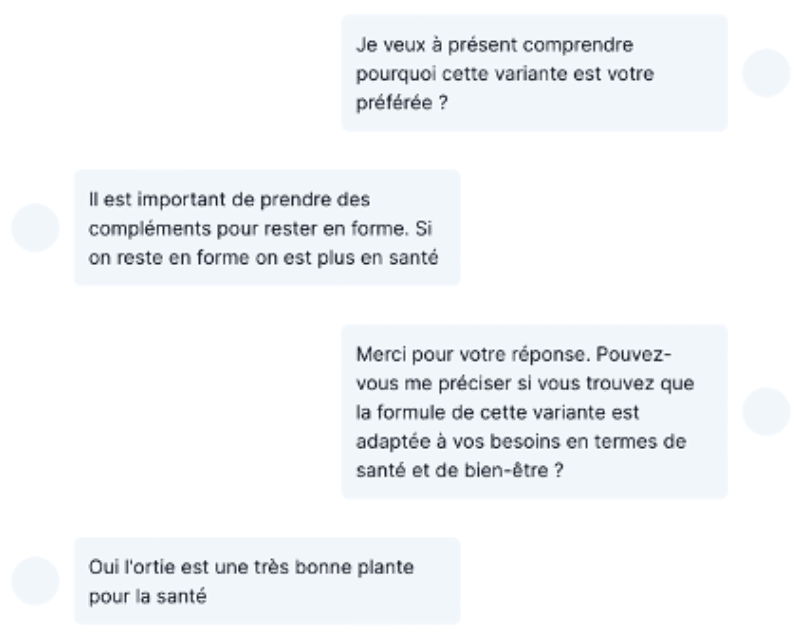
asking relevant questions, adapting follow-ups, respecting language preferences, and maintaining visual and brand consistency throughout the experience.
This article explains, step by step, how to design a robust and scalable AI interview context in SmartInterview.
Skipping the learning and use a template
You can skip this step and directly use the following link to create your survey: link
1. Choosing the context of the interview
What is an interview context?
The interview context defines:
What the objective of the interview is.
How the AI should behave.
It acts as a shared frame of reference for all questions and follow-ups.
Key elements to define
Before creating any question, clearly think about:
Role
What is the role of the interviewer: Market Researcher or a HR person?
Research objective
Exploration (discover themes, motivations, perceptions)
Validation (test assumptions or hypotheses)
Evaluation (assess a concept, product, or service)
Target respondent
Consumer, professional, expert, or general public
Level of familiarity with the topic
Interview tone
Neutral and factual
Empathetic and conversational
Analytical and expert-driven
Example of a context definition
Here is a very neutral and simple guideline of an english brand testing AI context, for familiar respondents.
You can actually copy paste the topic and re-use it inside your survey
In this example:
The first line defined the role : market research specialist (very important)
The 2-3-4 lines represents the research objective
The 5 represent the rules : English language and asking question
2. Selecting the number of follow-up questions
LOI in a very strong concerns when we run market research. as we don't want to explode our cost of research.
LOI concerns
SmartInterview is a cost-effective solution that significantly reduces time-to-insight.
Based on 278 open-ended responses collected on tablets from European respondents in 2024, the median length of interview (LOI) per open-ended question is 13.75 seconds per answer.
This means that on mobile or desktop, you can reasonably expect a median response time below 10 seconds per follow-up question, thanks t
o our new design feature that automatically streams the open-ended prompt directly onto the respondent’s screen.
Insight quality concerns
Based on our experiments, we found that programming 2–3 follow-up questions is the optimal way to use the product while minimizing respondent fatigue.
In this configuration, open-ended questions become a powerful asset for capturing deeper insights, without increasing cognitive load or interview fatigue for respondents.
3. In-platform tutorial
With a chosen context and follow-up number, the next step is to design the survey.
Skipping the learning and use a template
You can skip this step and directly use the following link to create your survey: link
1- Creating the question
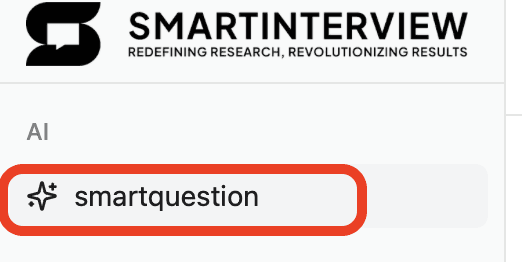
Click on the smart question in the builder
2- Designing the smartquestion
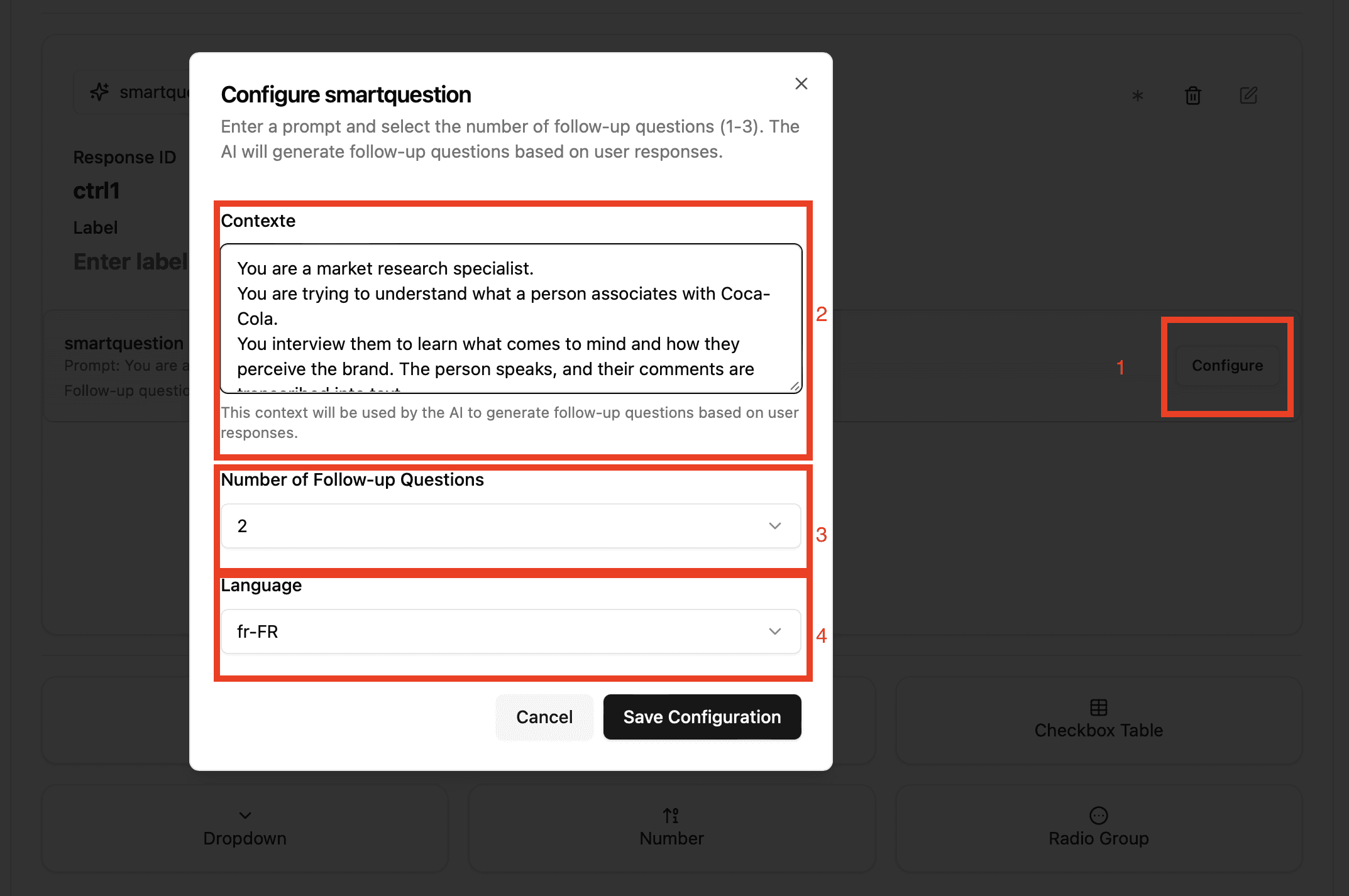
By clicking on "Configure", you will enter the context, the number of follow-up and the language of the interview.
Adapting Style, Colors, and Interview Templates
1 - Why visual consistency matters
A consistent interface:
Builds trust for respondents
Reduce fatigue and mis-understanding
Improves completion rates
Respondents are more engaged when the interview feels coherent and professional.
2 - Elements to align
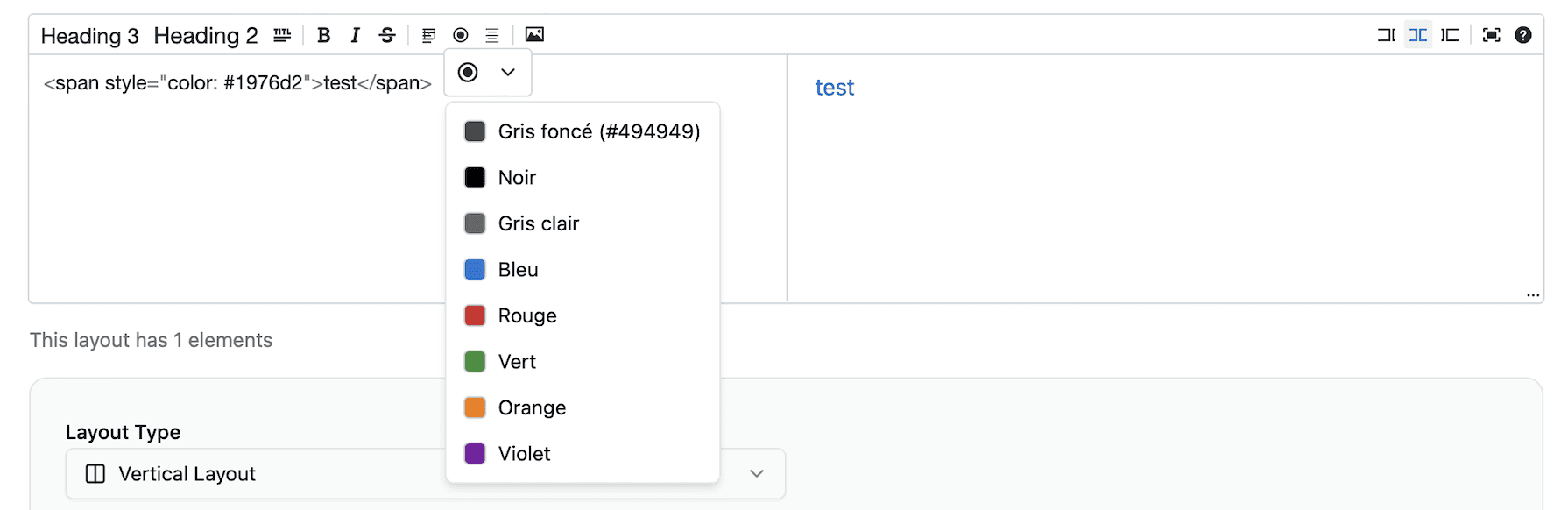
Colors and brand palette
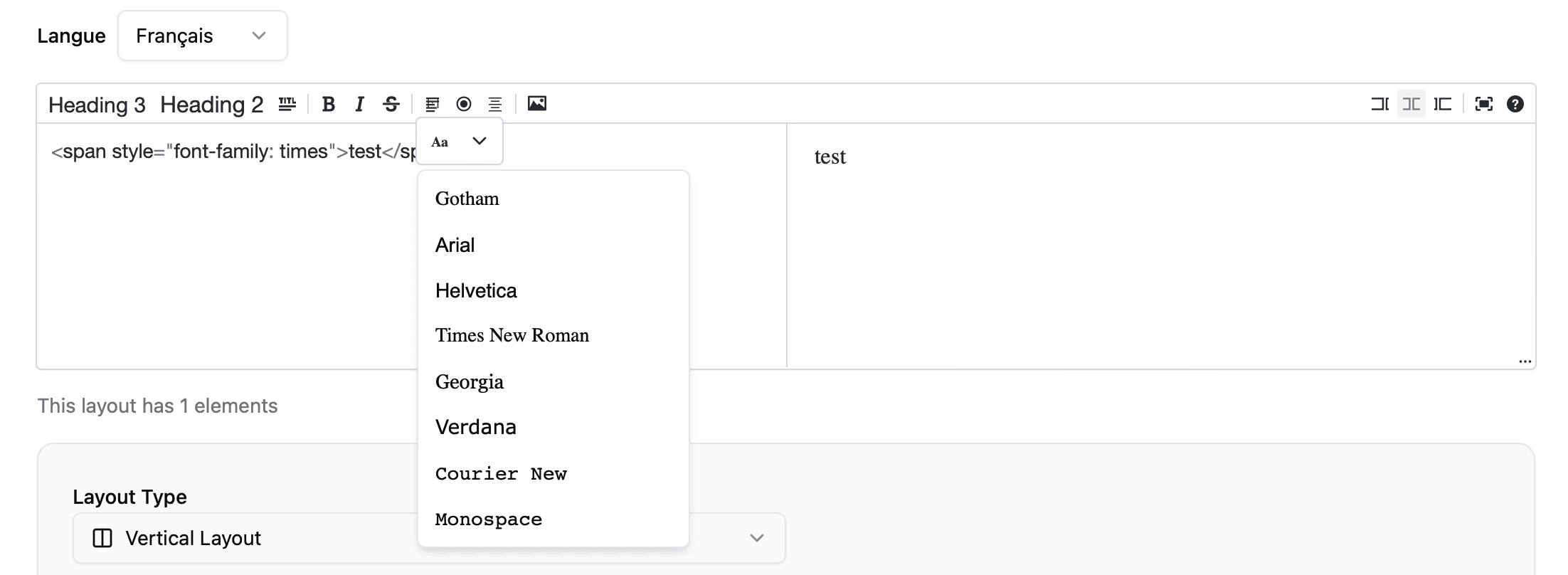
Typography
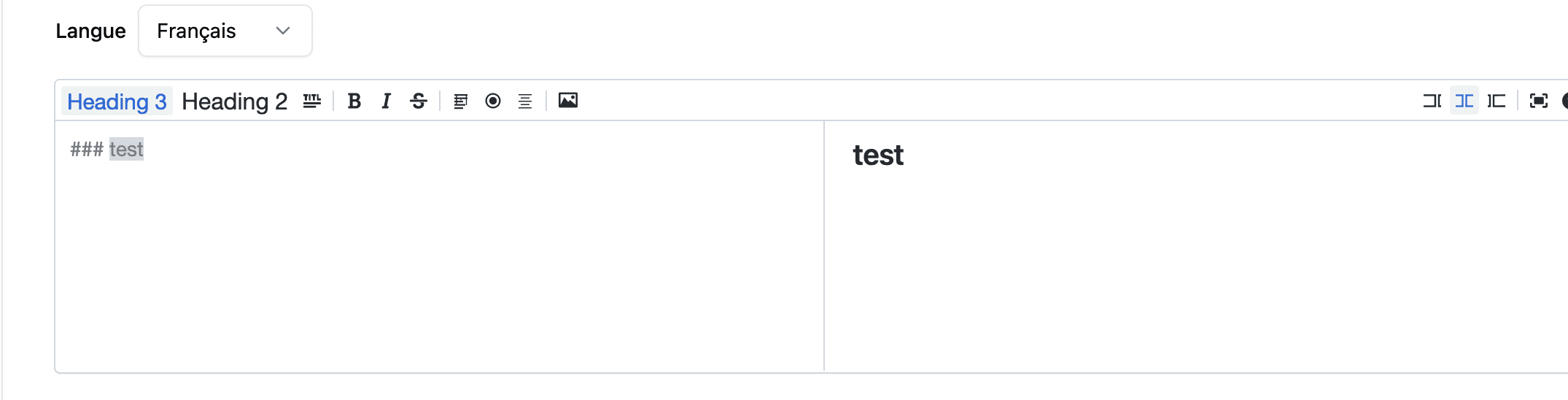
Text size
Interview “voice & text”
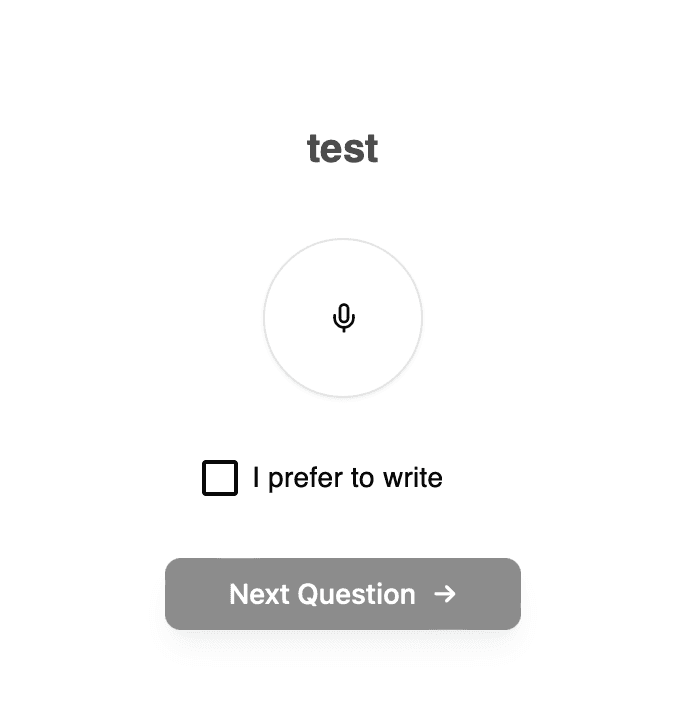
This design stays fix for the moment.
3 - How images interact with AI questions
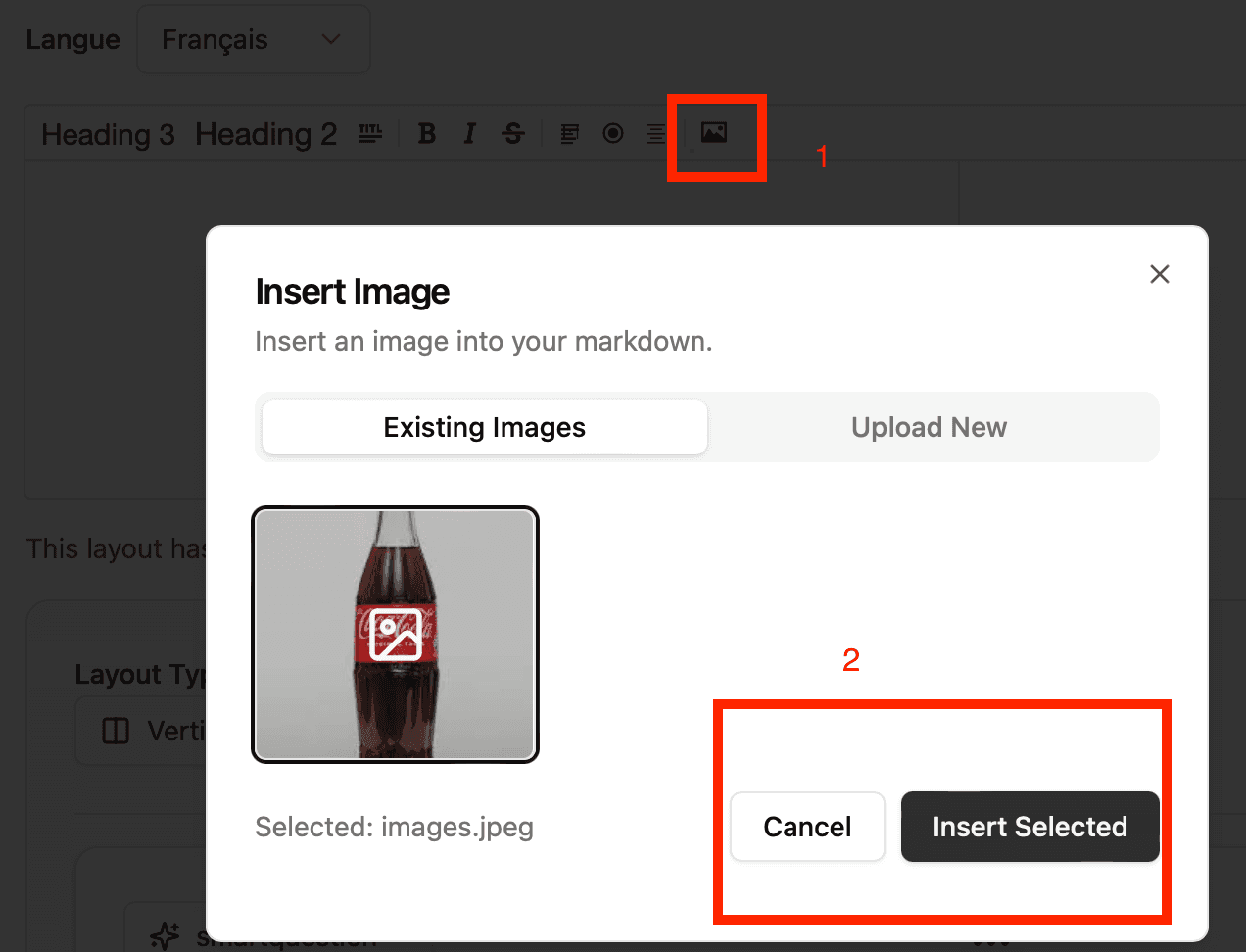
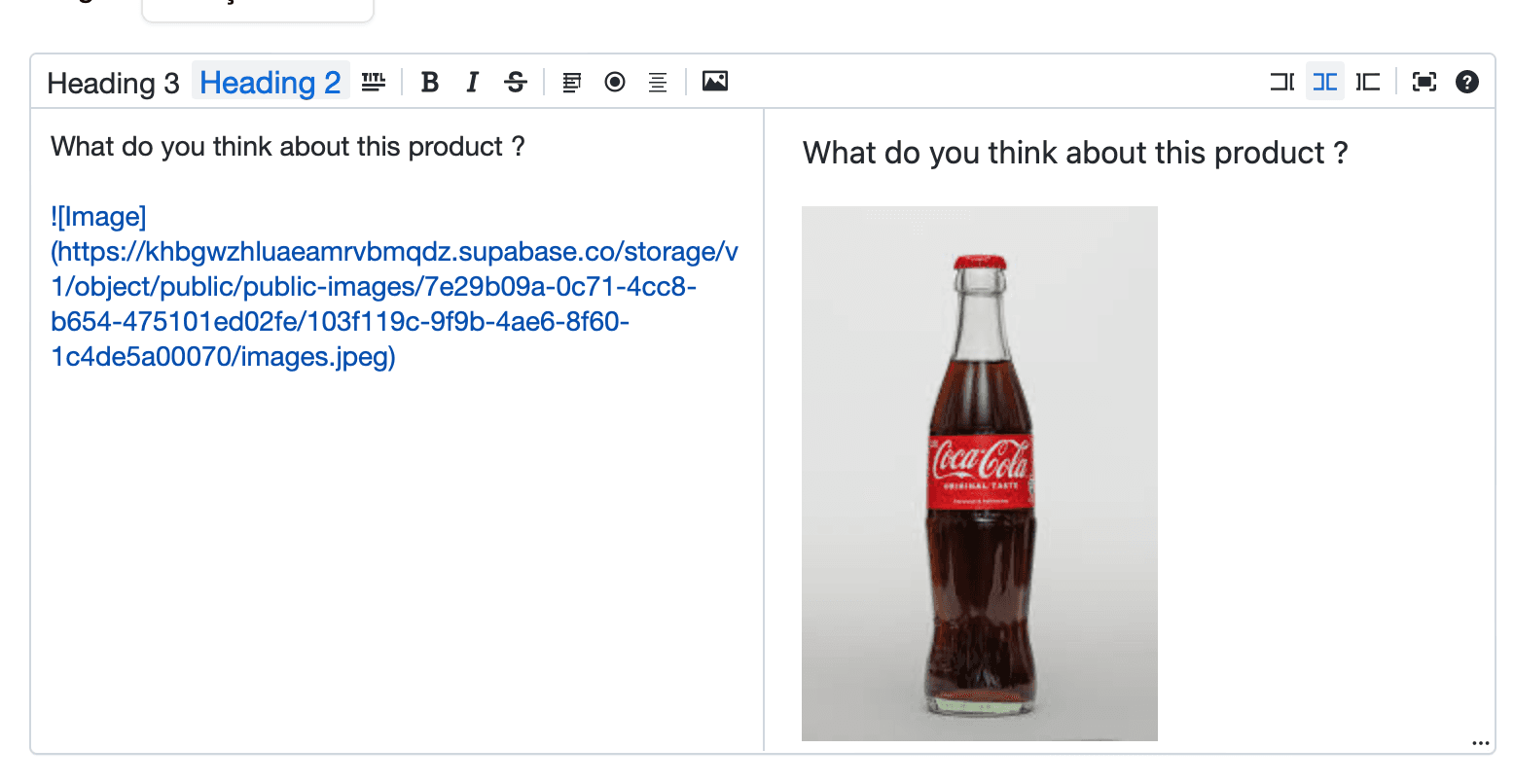
Images can be displayed alongside the question
The AI will could then explicitly reference the image when asking contextual follow-ups.
Example:
After looking at this image and in consequence that you have a strong affinity with the brand, what are your first impressions?
Which specific element of the visual influenced your opinion the most?
4 - Integrating an image
Best practices:
Use one clear image per question
Maintain consistent image quality
Avoid visual overload
Images anchor responses and improve recall and specificity.
5 - Starting from a template
Ready to get started?
You can kick off your SmartInterview in seconds by using this template based on an existing product-testing interview. It’s a great way to save time and build on proven best practices.: link
Cheers, and happy interviewing!